






News



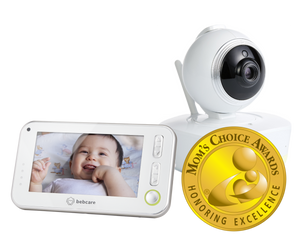
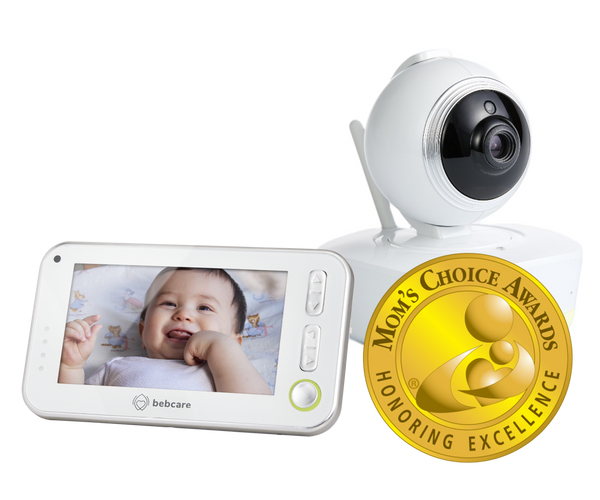
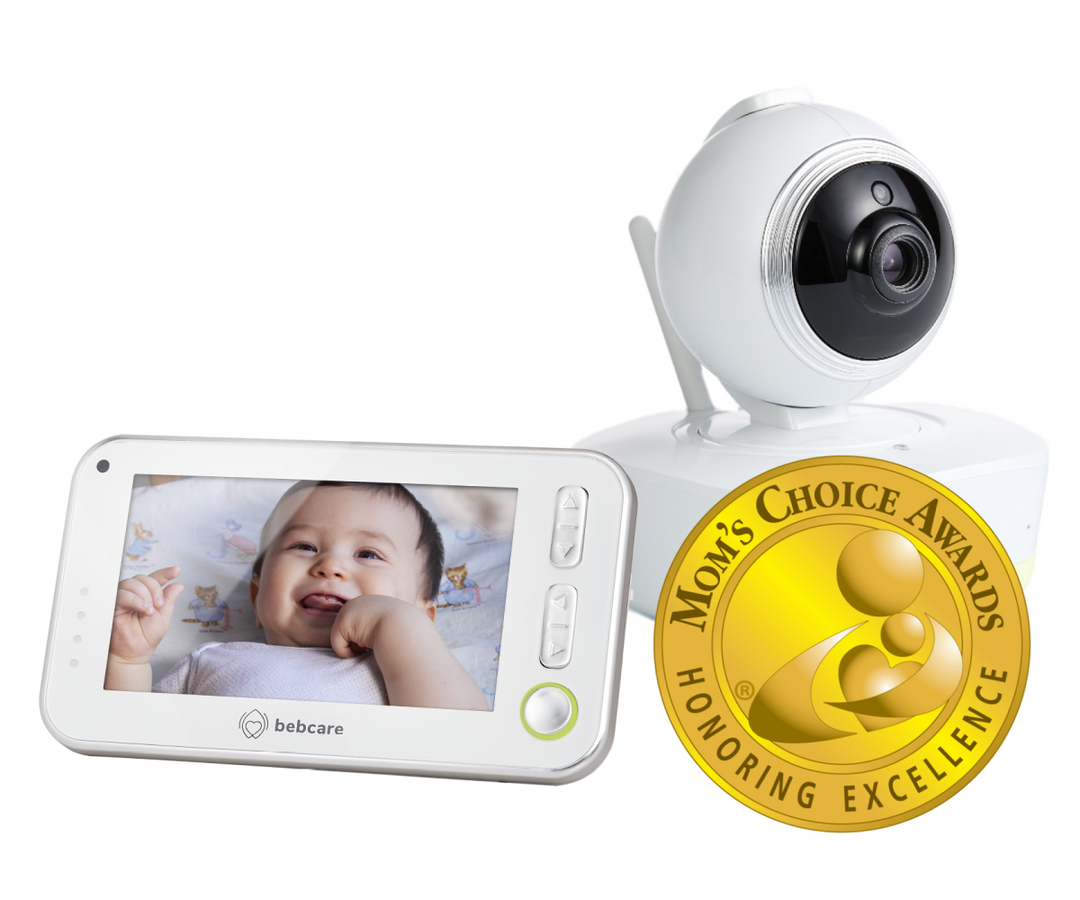
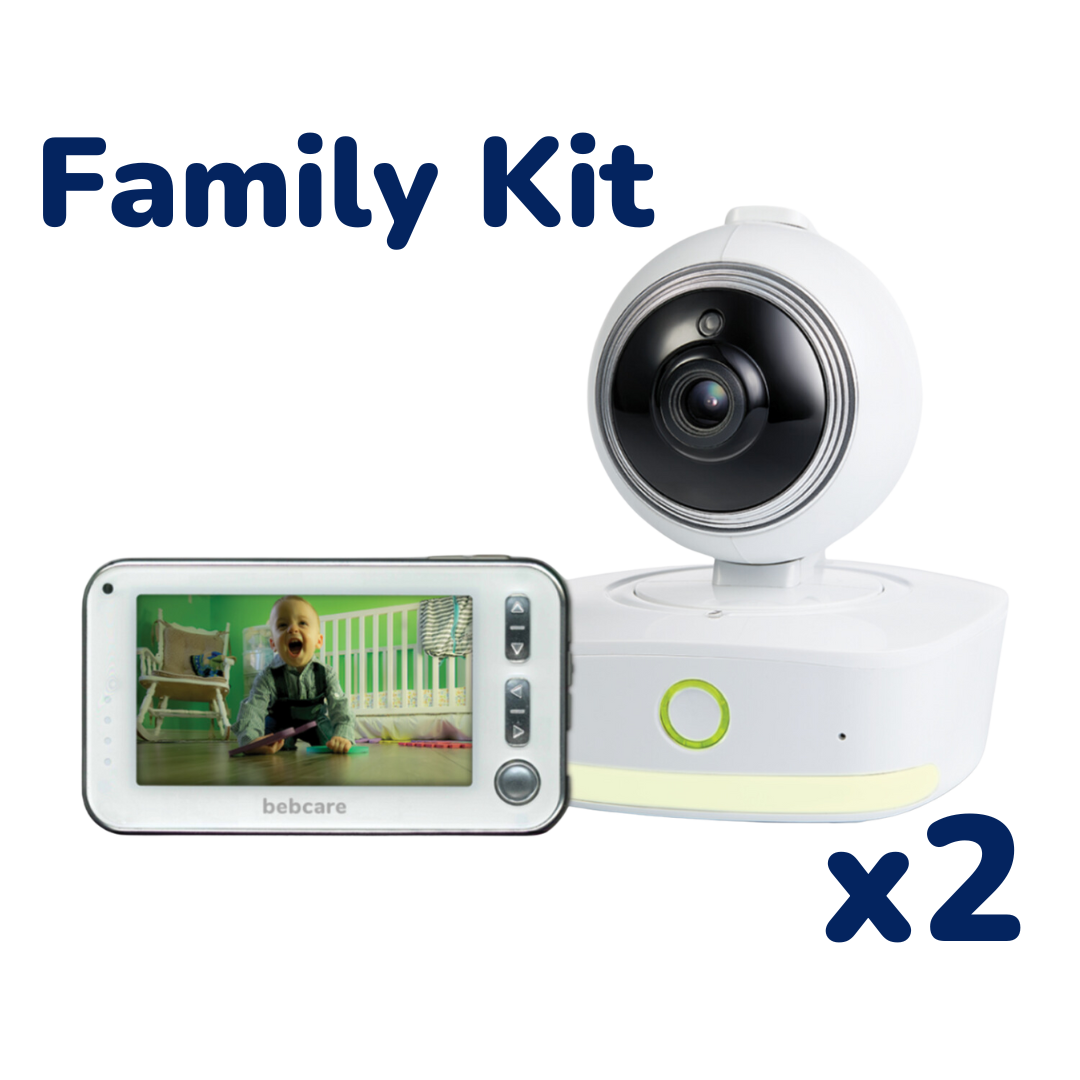
On Bebcare Motion, split screen is two live camera feeds on one 4.3-inch parent unit. The 2-camera kit ships two Motion cameras and one parent screen. Setup does not use home WiFi, and you do not need two phones.
If you already need two rooms on one screen without WiFi, open the 2-camera kit. If you want one room first, open Bebcare Motion and add cameras later. For two rooms in a phone app on home WiFi, open Bebcare iQ. The longer type comparison is the non-WiFi and WiFi guide.
Split screen means both camera views appear on the same parent screen at once. Motion sends each camera on its own link to that parent unit. The link does not use home WiFi, Bluetooth, or the Bebcare app on your phone.
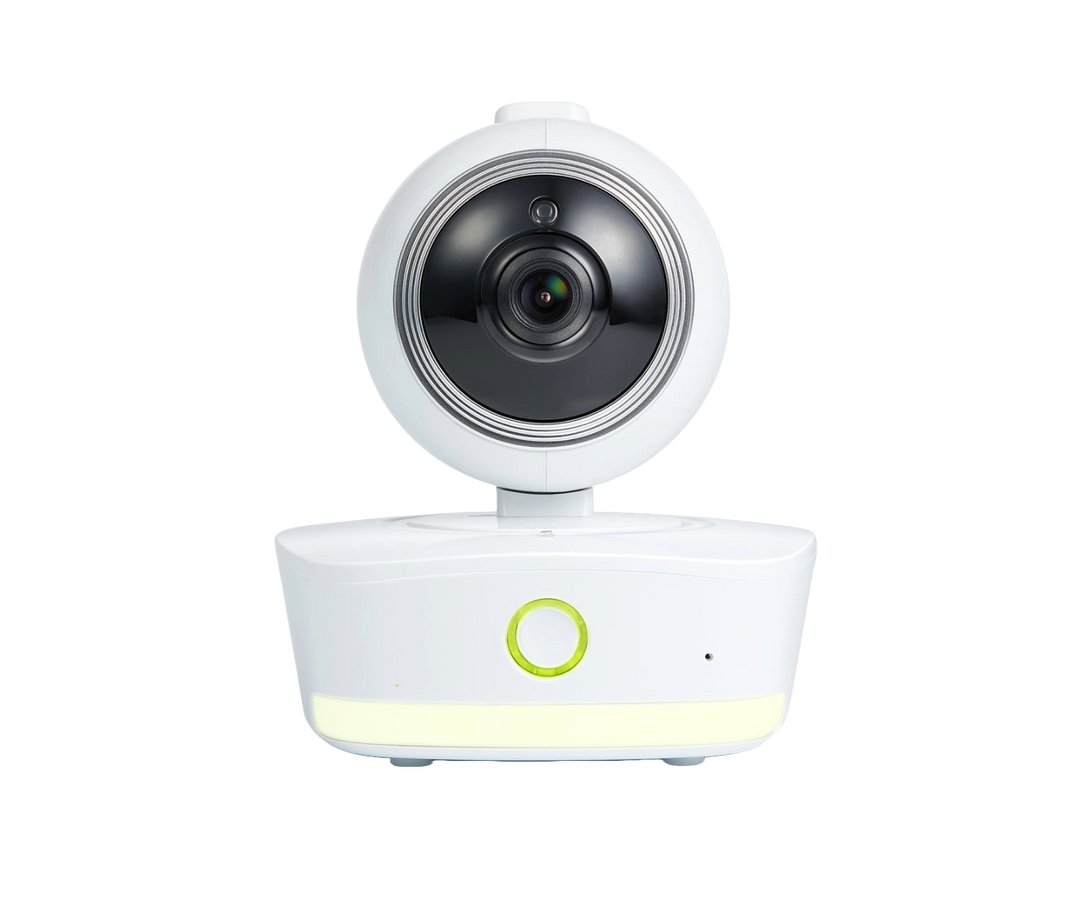
The Motion page lists one camera in the box. The kit page lists two cameras and the same parent unit. That parent unit can pair with up to four cameras. The kit is the set that already includes two cameras for day one.
| Your home | What to open |
|---|---|
| One nursery, one parent screen, no WiFi | Motion (one camera in the box) |
| Two rooms, one parent screen, no WiFi | 2-camera kit |
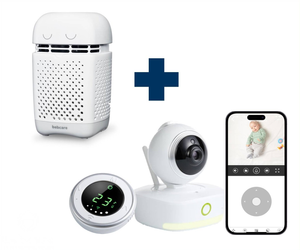
| Two rooms, picture on your phone, home WiFi | Bebcare iQ (add a second iQ camera if you need two rooms in the app) |
| Sound only, no picture | Bebcare Hear |
Each camera still talks to the parent unit on its own link. A wall or a floor between one camera and the parent unit can stop that feed. This page does not report a room-by-room test. The walls and range article explains how a parent-unit path differs from a WiFi app path.
| Setup | Where cameras usually go | Where the parent unit usually goes |
|---|---|---|
| Nursery and toddler room | One camera at each sleep area | Where you watch both feeds at night, often the master bedroom |
| Nursery and living room | Nursery on the crib; second camera on the play area you use after bedtime | Where you sit in the evening while both rooms matter |
| Upstairs nursery and downstairs family room | One camera upstairs, one downstairs | Often downstairs or on the stair landing side you use most; move it if one feed drops |
| Shared room now, second room later | Start with one Motion camera; add a second camera when the second room is in use | Same parent unit before and after; pair the second camera when it arrives |
If one side of the split screen drops, move the parent unit or the camera on that side and try again. A stronger router does not fix a Motion feed, because Motion does not use that router for the picture.
Both can cover two rooms. The screen and the network path are different. This table is about split screen and two rooms, not a full product comparison. The non-WiFi and WiFi guide covers Motion, iQ, Hear, and the kit in one place.
| Motion / 2-camera kit | Bebcare iQ (two rooms) | |
|---|---|---|
| What you watch | 4.3-inch parent unit with split screen | Bebcare app on your phone |
| Home WiFi | Not used for the picture | Required; the app uses your network |
| Second room | Second Motion camera on the same parent unit; kit includes two cameras | Add a second iQ camera; both views stay in the app |
| Stated range (Motion / kit) | Up to 800 feet on the Motion page and the kit page | Uses the home network, not the Motion 800 feet figure |
Choose the kit when both rooms need a camera from the first night. Choose the single Motion set when the second room comes later. The same parent unit pairs with up to four cameras either way.
Buy the kit when you do not want a second order before the second room is ready. Buy Motion first when only one room needs video now and you are fine adding a supplementary Motion camera later.
The kit page and the Motion page both state a range of up to 800 feet. That figure is the stated range on those pages, not a promise through every wall in your house.
Split screen on Motion is not two phones, two WiFi cameras on one app unless you chose iQ for that path. It is not two parent units for two rooms when one Motion parent unit can show both feeds.
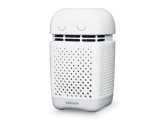
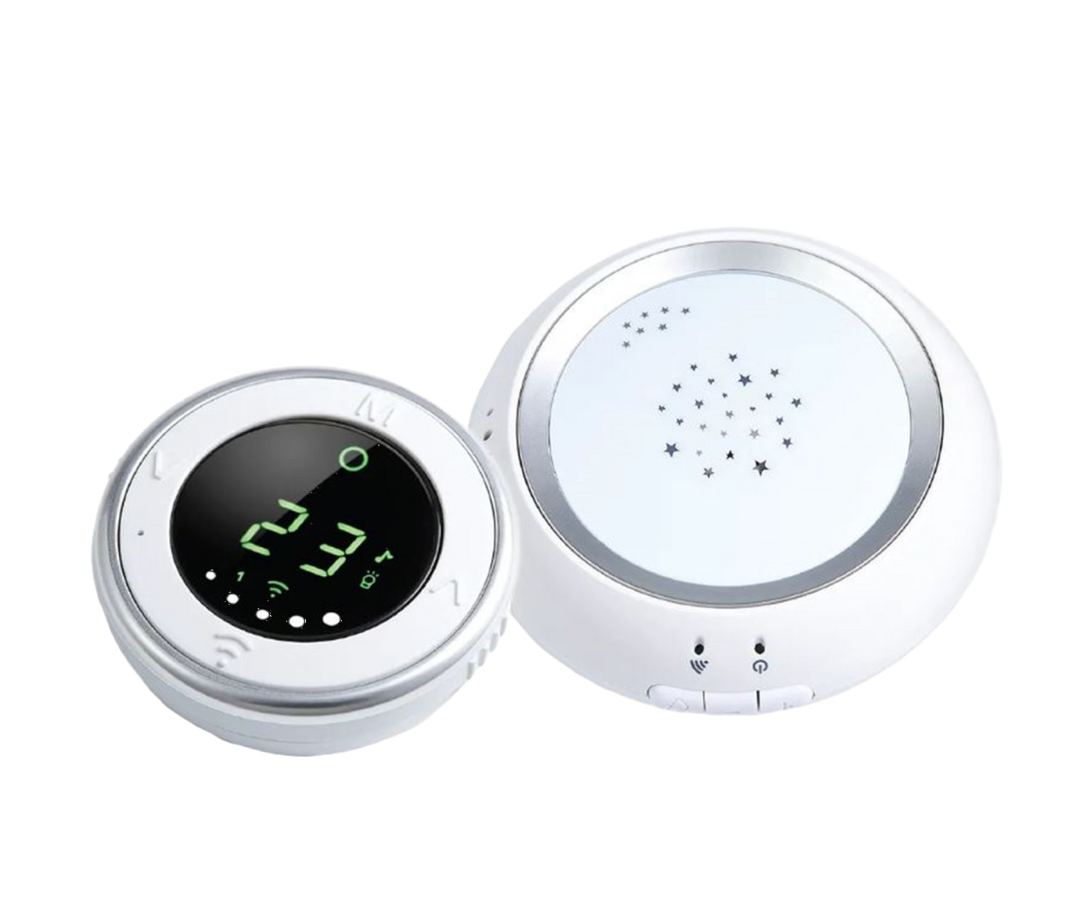
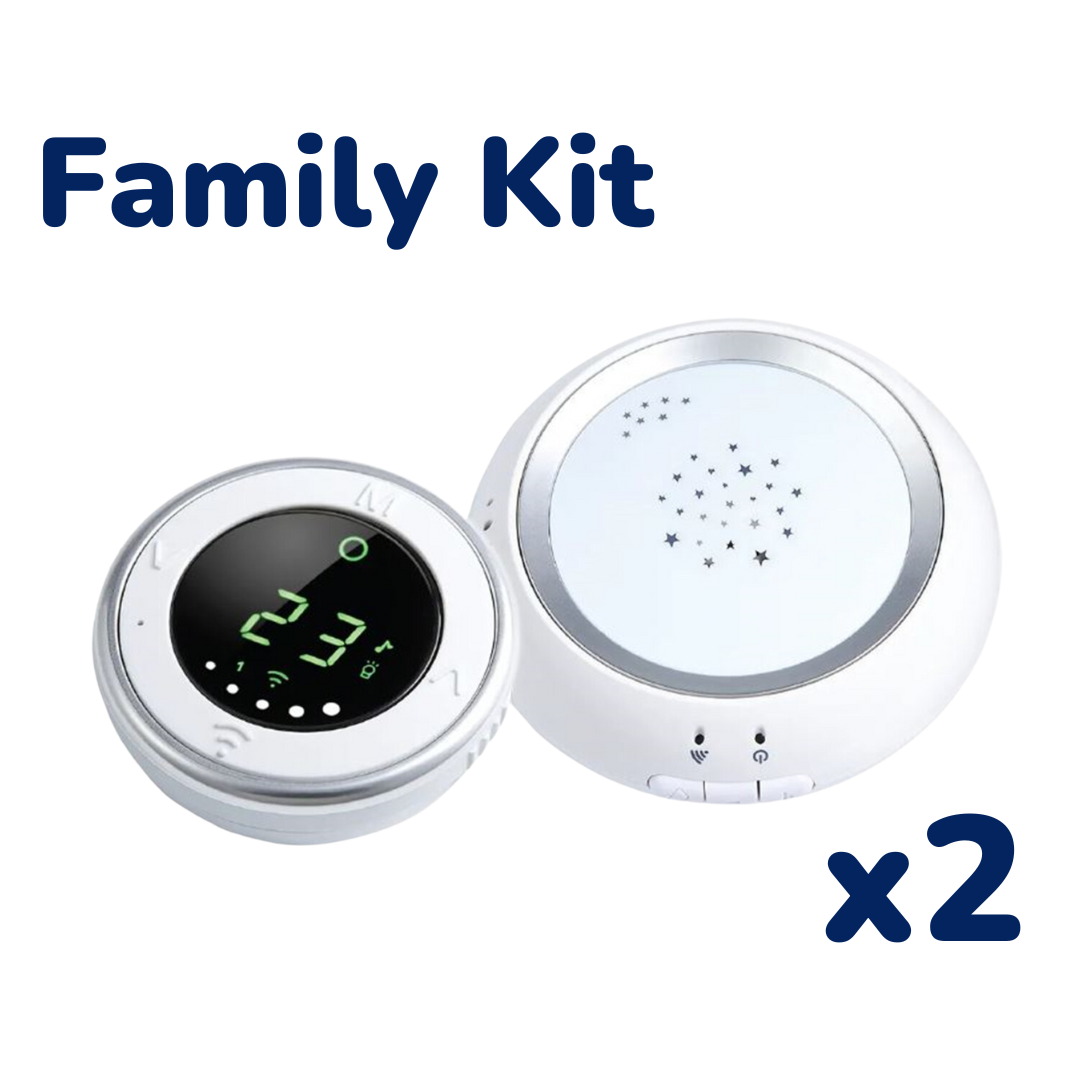
It is not Hear. Hear is audio only on a parent unit, with no camera and no split screen picture. The Hear page states a range of up to 2,000 feet.
It is not Linda. Motion has a night light on the camera. Linda is a separate music player and night light. Linda is not a baby monitor.
On Motion, low emission means the ultra-low radiation mode is on. That is a statement about the radio in the product. Motion is not a medical device. It does not diagnose, treat, or prevent any condition, and it does not take the place of an adult in the room.
The 2-camera kit page states its own figure: 94 percent reduced wireless EMF compared with an average baby monitor. That number is the kit page's claim.
On Motion, yes, when two cameras pair to one parent unit. Split screen shows both feeds on the 4.3-inch screen. The 2-camera kit includes two cameras in one box. The single Motion set includes one camera, and the Motion page states you can pair up to four cameras on that parent unit.
Yes, with Motion and two cameras on one parent unit. The kit is the page that ships two cameras with one parent screen and does not use home WiFi. Put one camera where each room needs coverage, and keep the parent unit where you will watch both feeds.
Not necessarily two parent units for two rooms on Motion. Two Motion cameras can pair to one parent unit and show split screen. You need two cameras for two rooms, not two separate Motion parent units for that job. If you only need sound in one room, Hear is a different product with no picture.
Motion and the 2-camera kit do not use home WiFi for the picture. iQ uses home WiFi because the Bebcare app uses your network. The comparison is in the non-WiFi and WiFi guide.
The Motion page lists one camera and one parent unit. The kit page lists two cameras and one parent unit. Both use the same parent screen and the same stated range of up to 800 feet on those product pages.
The Motion page states the parent unit can pair with up to four cameras. Split screen is how two of those feeds can appear on the 4.3-inch screen at once. The kit is the option with two cameras already in the box.
Yes. The Motion page states the parent unit can pair with up to four cameras. You can add a supplementary Motion camera when the second room is ready. The kit is the option that ships two cameras in one box if you want both on day one.
No on Motion. Split screen is two camera feeds on one parent unit, without a phone app for the picture. With iQ, the picture is in the Bebcare app on your phone and uses home WiFi. That is a different path from Motion split screen.
Each camera sends video to the parent unit on its own link. A wall or a floor between a camera and the parent unit can stop a feed. The stated 800 feet on the Motion page and the kit page is not a promise through your walls. See the walls and range article.
Two rooms, video, no WiFi, split screen: the 2-camera kit. One room, video, no WiFi: Motion. Phone app on home WiFi: iQ. Sound only: Hear.
Bebcare. 4 November 2026.




Leave a comment